
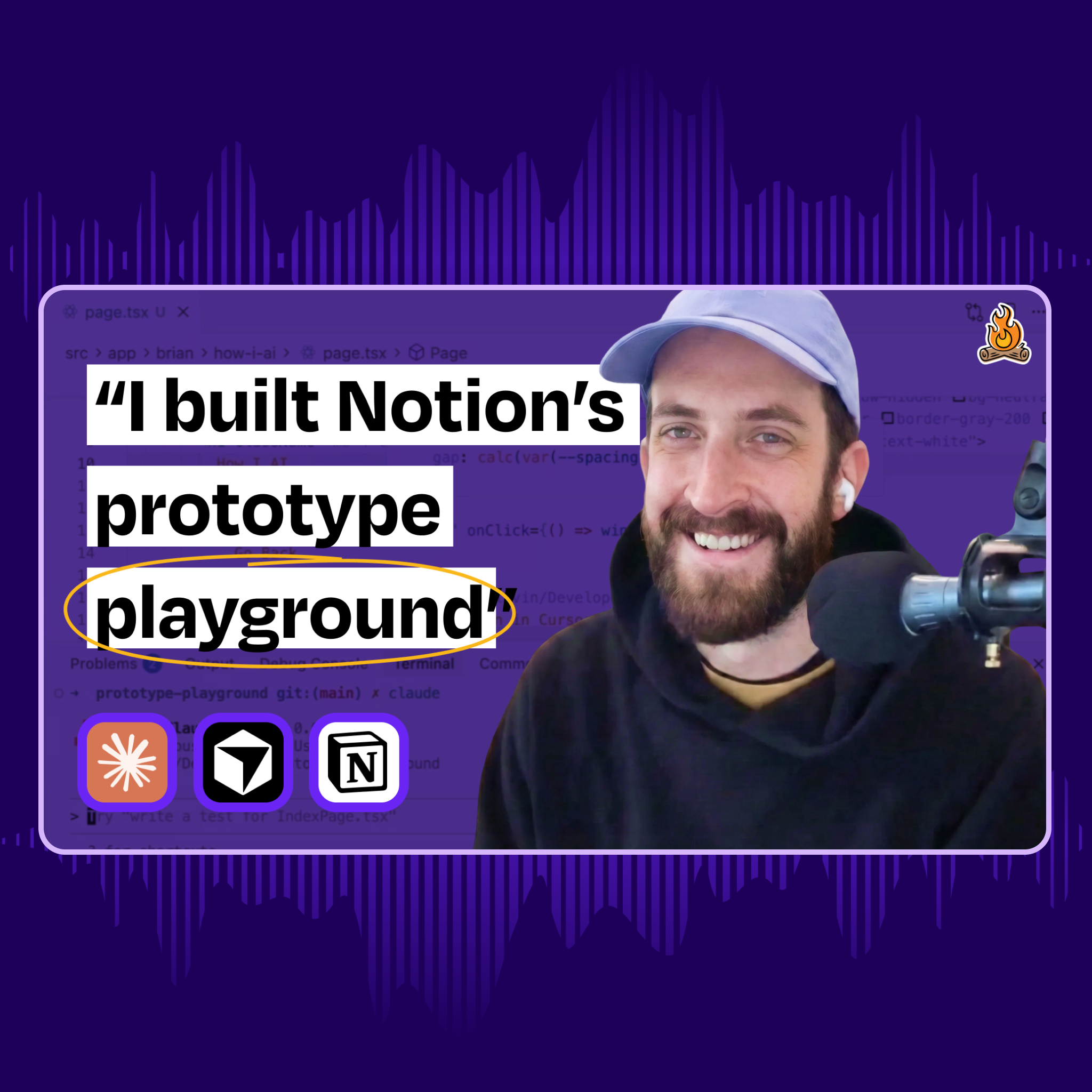
🎙️ This week on How I AI: How Notion’s design team uses Claude Code to design
Key Takeaways
Designers are increasingly moving towards code-first prototyping, reducing reliance on static mockups.
Encountering real-world issues early in the design process leads to better user experiences.
A shared prototype playground fosters collaboration and innovation among design teams.
Integrating AI into the design process helps uncover edge cases that static designs can't reveal.
Teaching AI to automate tasks can significantly enhance workflow efficiency.
The Shift to Code-First Prototyping
Imagine a world where designers no longer spend countless hours creating static mockups in Figma. Instead, they dive straight into coding, leveraging AI to bring their visions to life. This is the reality for Brian Lovin and his team at Notion, who have embraced a code-first approach to prototyping. Brian claims, "I haven’t written a single line of front-end code in 3 months," highlighting how AI tools like Claude Code have transformed their workflow.
Encountering Reality Early in the Design Process
One of the most compelling aspects of this new approach is the emphasis on encountering reality as soon as possible. Brian believes that moving designs from "napkin sketches" to functional code allows designers to identify issues that static designs often conceal. By testing prototypes directly in a browser, they can spot problems with loading states, screen sizes, and interactions that might otherwise go unnoticed. This shift not only enhances the design process but also leads to more robust and user-friendly products.
The Prototype Playground: A Shared Environment
At the heart of this transformation is the prototype playground, a shared Next.js application where all design prototypes are centralized. This collaborative environment eliminates the isolation of individual repositories, allowing designers to discover and reuse each other's work easily. Prototypes are organized by designer name, and shared components streamline the creation of Notion-style UI elements. This fosters a culture of collaboration and innovation, making it easier to iterate on ideas and improve designs collectively.
Designing AI Experiences Beyond Figma
Brian encountered significant challenges when trying to design AI experiences solely within Figma. While he could create visually appealing chat inputs, he realized that Figma couldn't capture the actual user experience. He states, "You can design what the chat input looks like ... but what you can’t design in Figma is what it actually will feel like to use that thing." This realization underscores the importance of integrating real AI models into the design process, allowing for a deeper understanding of edge cases and potential failure modes.
Teaching Claude: Automation and Custom Commands
One of Brian's key philosophies when working with AI is to minimize manual intervention. When Claude asks for a task, he teaches it to perform that task autonomously. For instance, instead of manually verifying if a prototype works, he trains Claude to launch Chrome, test the functionality, and confirm the results. Additionally, custom slash commands simplify complex workflows, making advanced AI techniques accessible to team members with less technical expertise. Commands like "/figma" streamline everything from checking installations to extracting designs and implementing them as code.
Why it matters
This shift in design philosophy reflects a broader trend in tech where collaboration and real-world testing are prioritized over traditional methods. Understanding these changes can help professionals stay ahead in a rapidly evolving landscape, making them more effective in their roles.
Get your personalized feed
Trace curates the best articles, videos, and discussions based on your interests and role. Stop doom-scrolling, start learning.
Try Trace free